How to connect GOAT Funded Futures account?
Updated
First, you should start ATAS to connect your GOAT Funded Futures account.
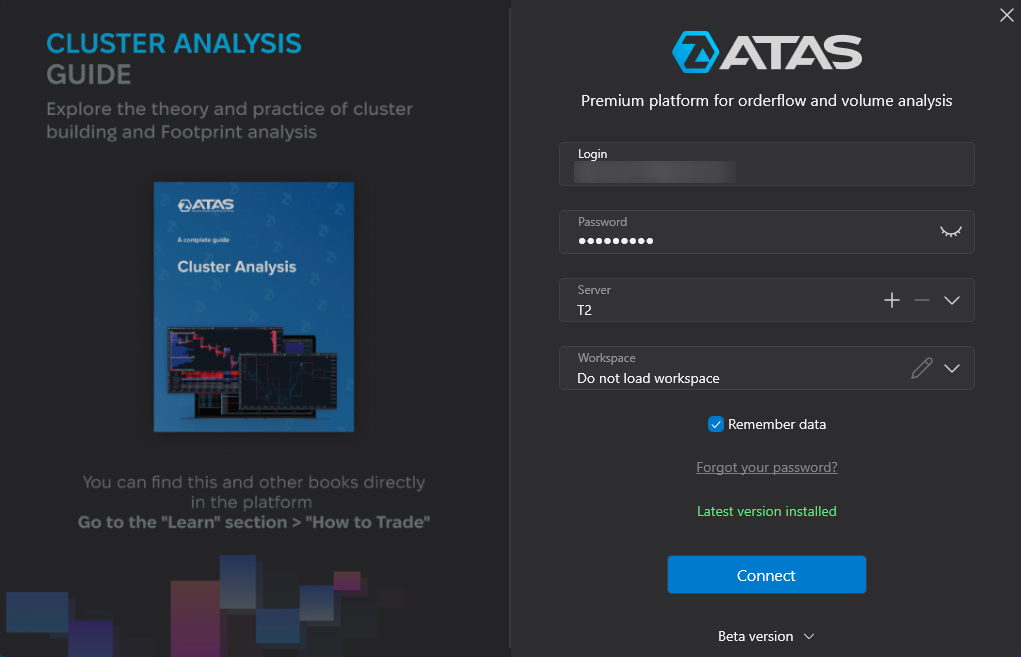
ATAS Login:
On the Authorization window, enter your login and password received by email after registration in the form above.
If you already have an ATAS account, the GOAT Funded Futures license will be activated automatically after registration. Otherwise, your credentials for login in ATAS will be sent to you via email.
Connecting to the server:
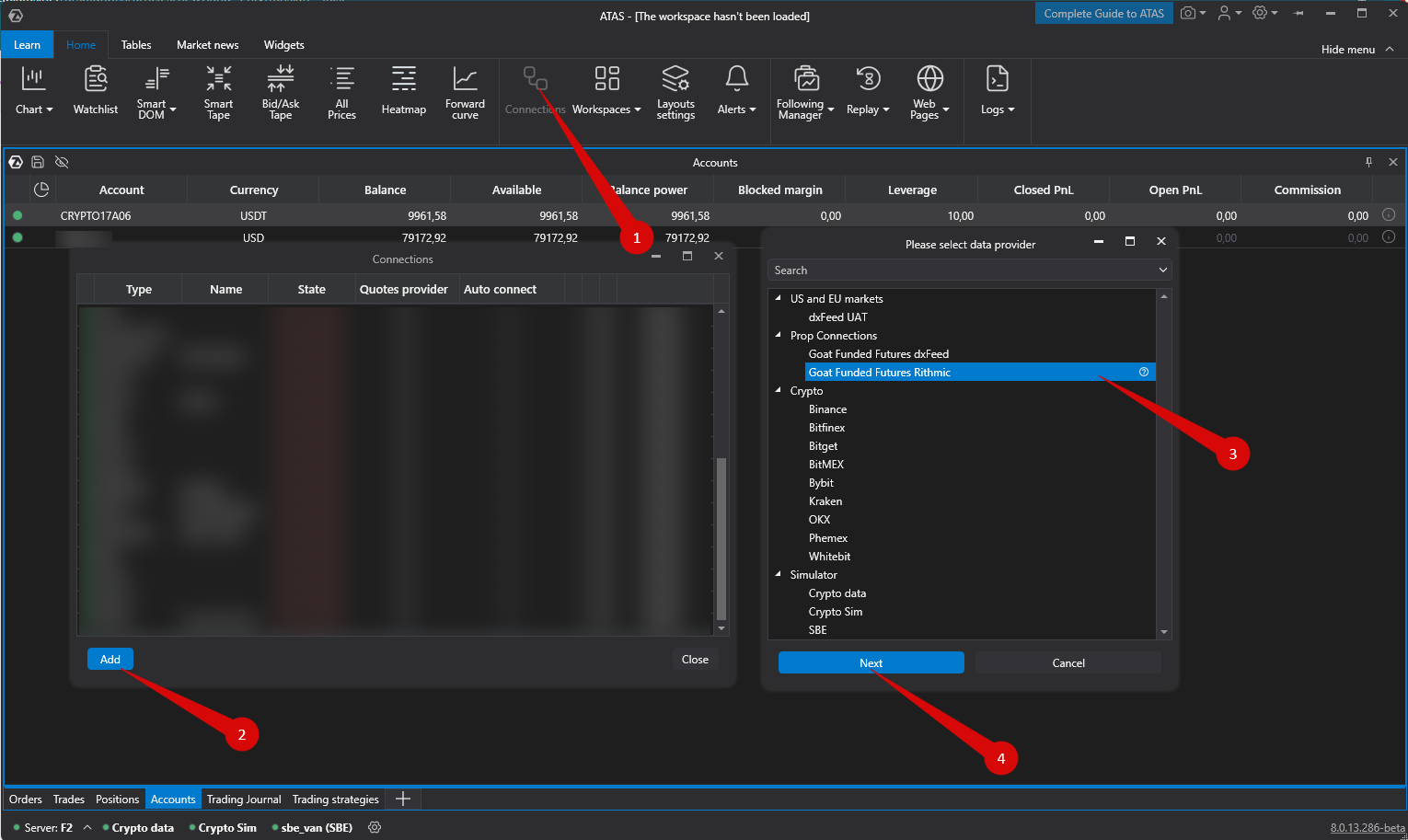
To connect your account, click on the “Connections” button (1) in the main menu, then click the “Add” button (2).
On the next window, select Goat Funded Futures dxFeed (3) — it depends of type of connection that you choose from Goat Funded Futures. Click “Next” (4).
Enter the login and password for Goat Funded Futured account.
Connecting to the dxfeed server:
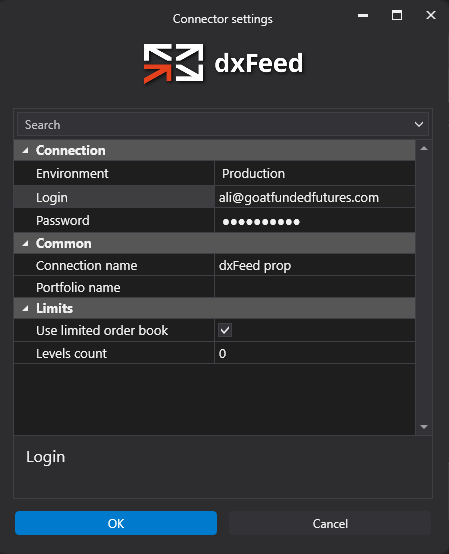
login and password for dxFeed Goat Funded Futures.
Connecting to the dxFeed server:
If you do not have a GOAT Funded Futures account yet – you can open it by filling the form here.
Click Finish.
After configuring the connection, it will appear as a separate line in the list of connections:
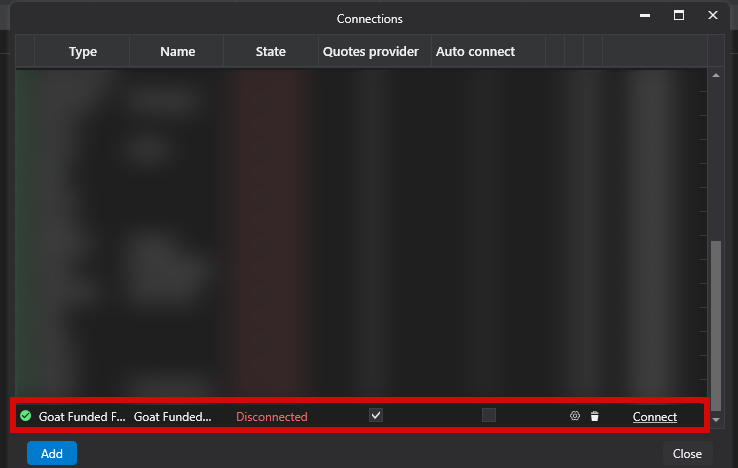
You can click on the “connect” option to start trading.